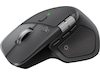

| Produktlinje | Logitech MX |
|---|---|
| Modell | Master 4 for Mac |
| Producentens garanti (månader) | 24 |
| EAN | 5099206133112 |
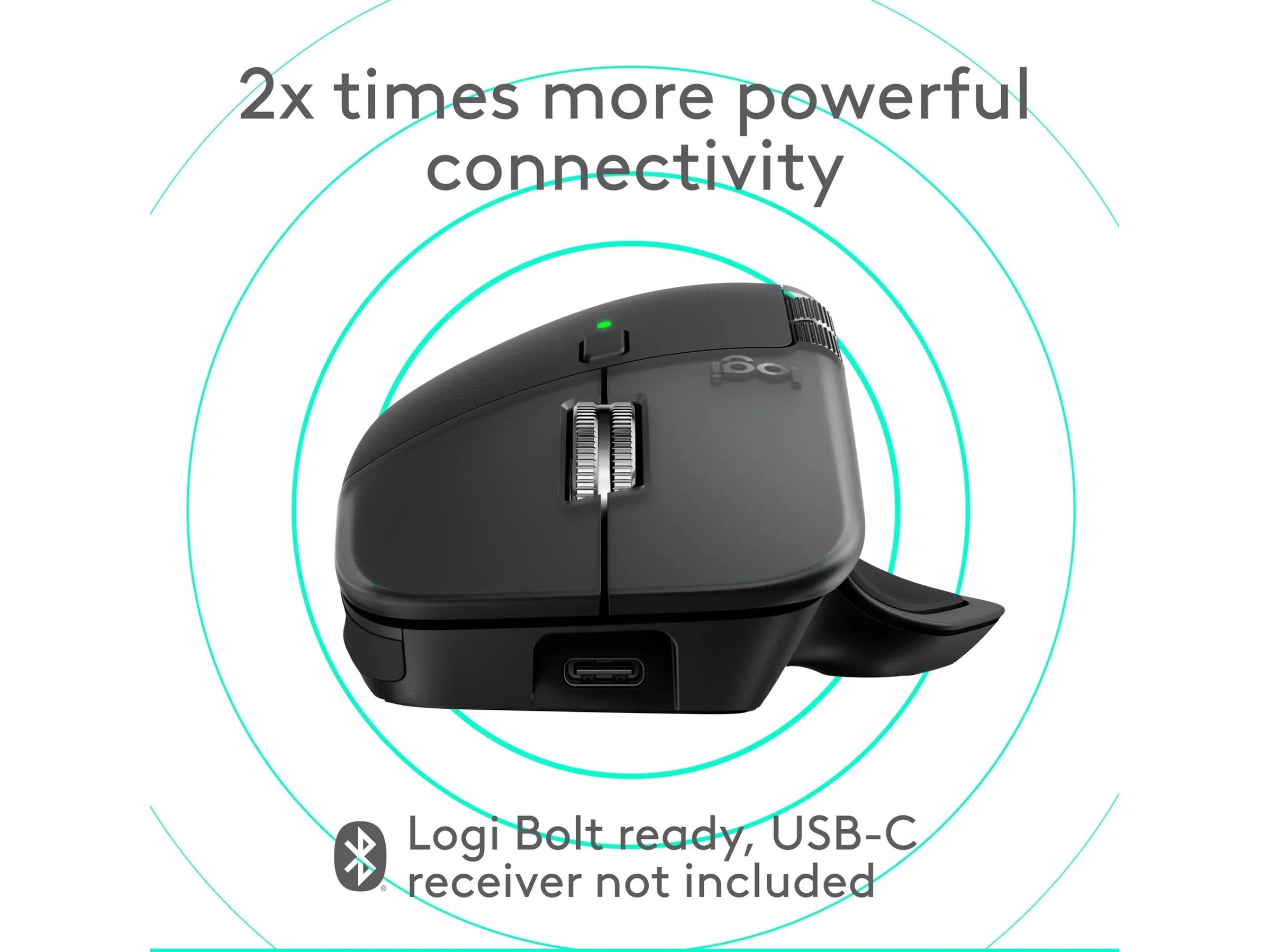
| Anslutningsteknik | Trådlös |
|---|---|
| Maximalt avstånd | 10 m |
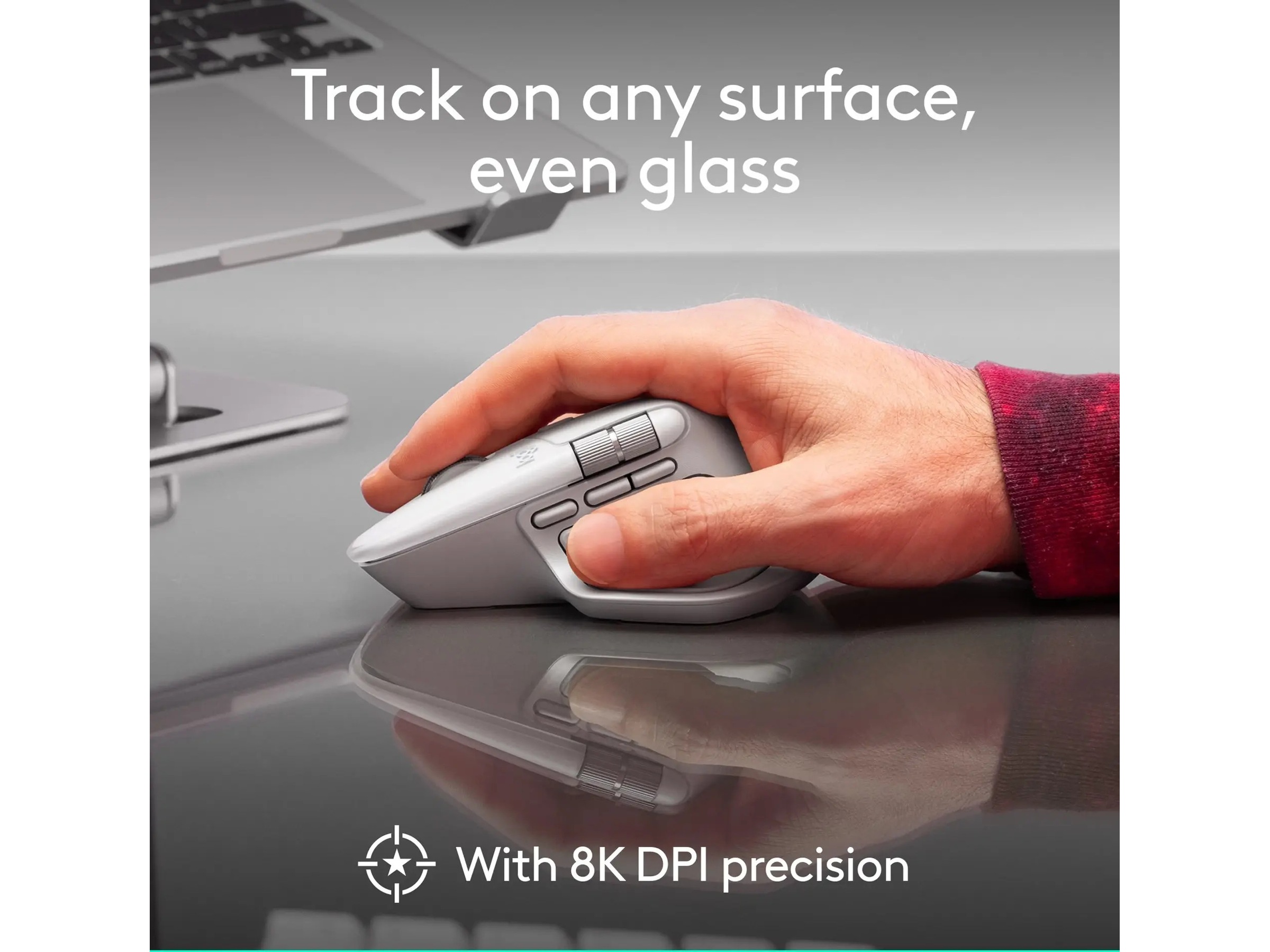
| Prestanda | Sensivitetsomkoppling i realtid 200 - 8000 dpi |
| Trådlös mottagare | Trådlös USB-mottagare |
| Antal tumkontroller | 2 |
| Produkttyp | Mus |
| Antal knappar | 8 |
| DPI | 8000 dpi |
| Gränssnitt | Bluetooth, 2.4 GHz |
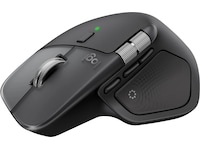
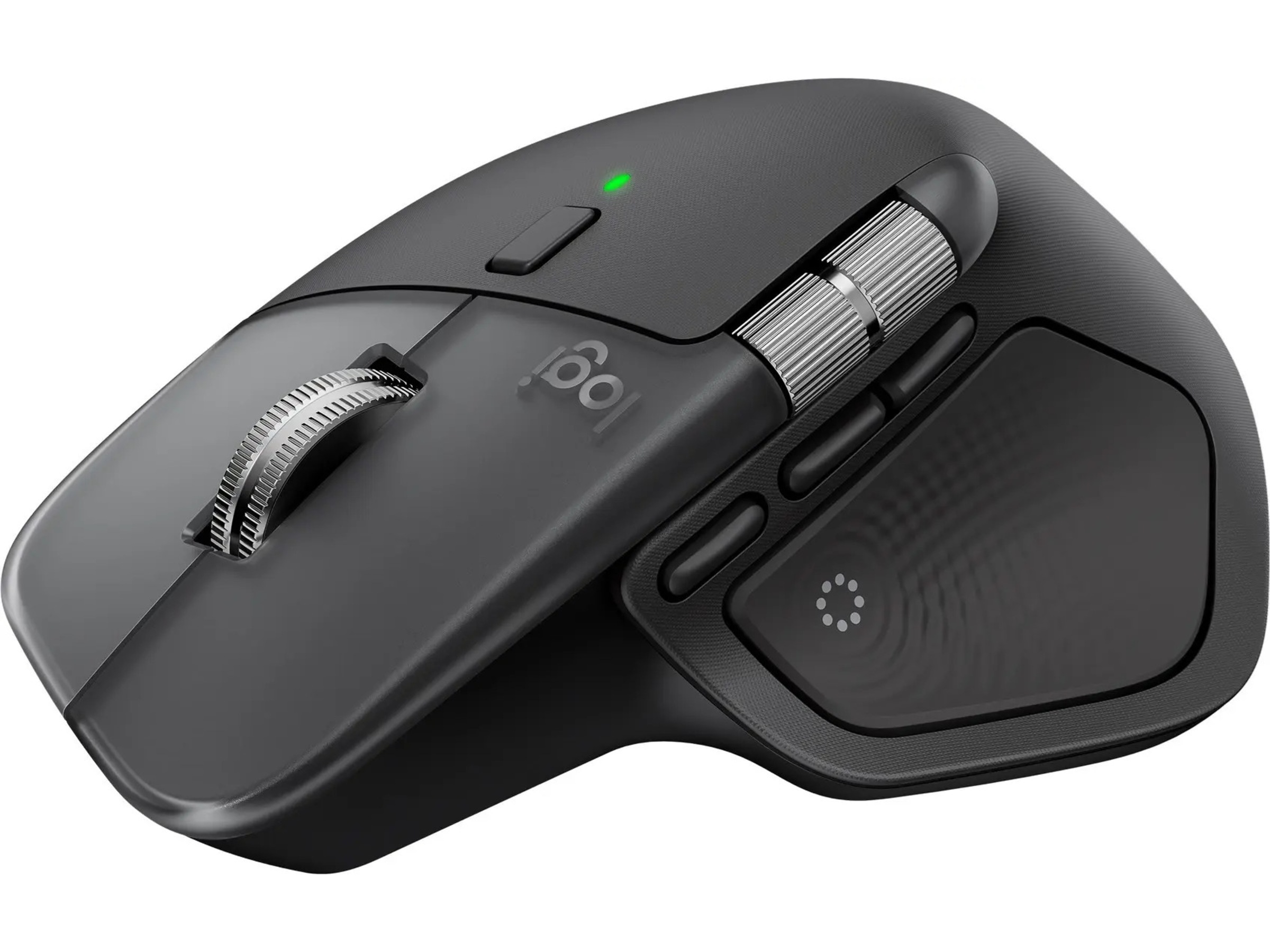
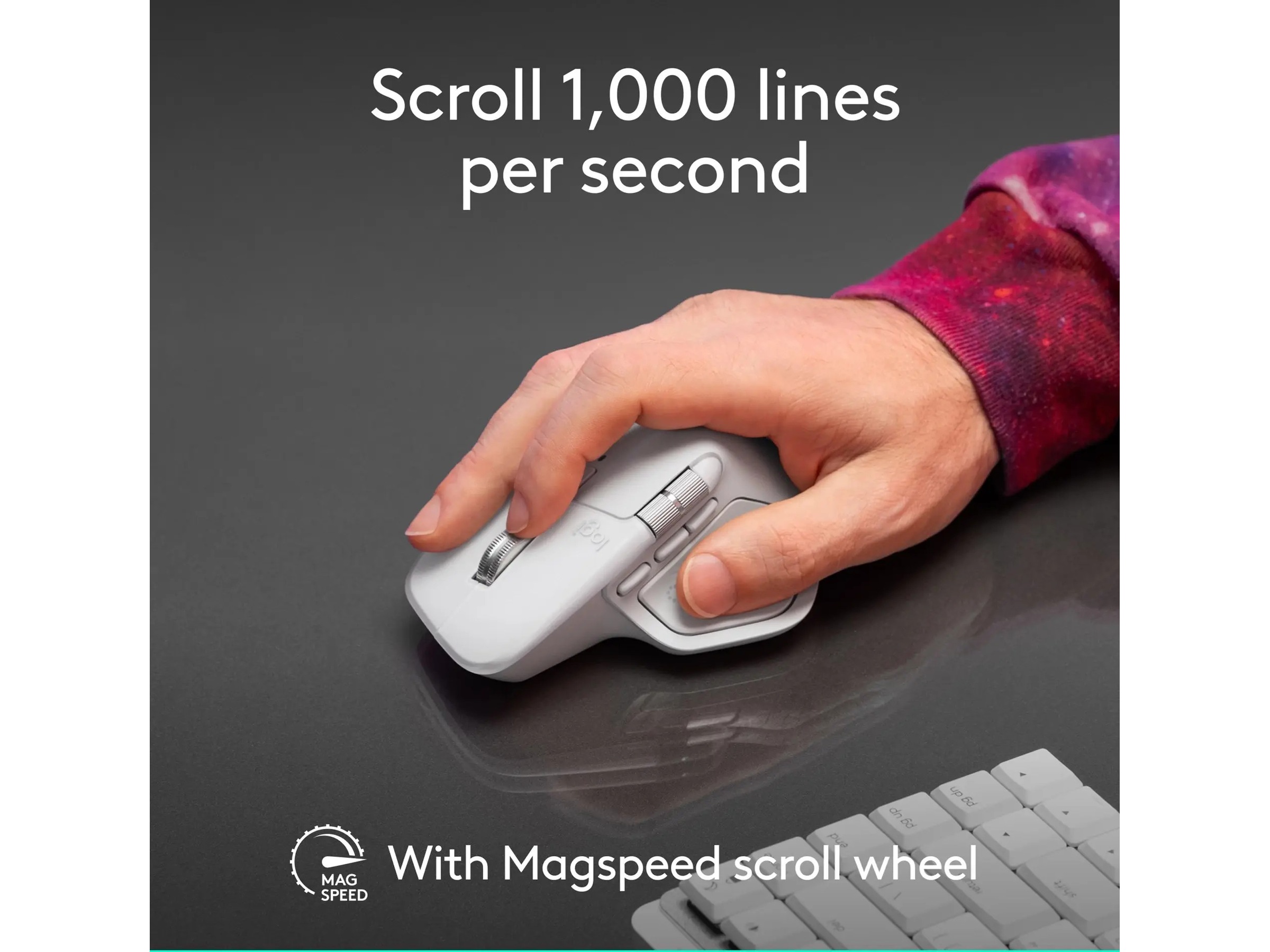
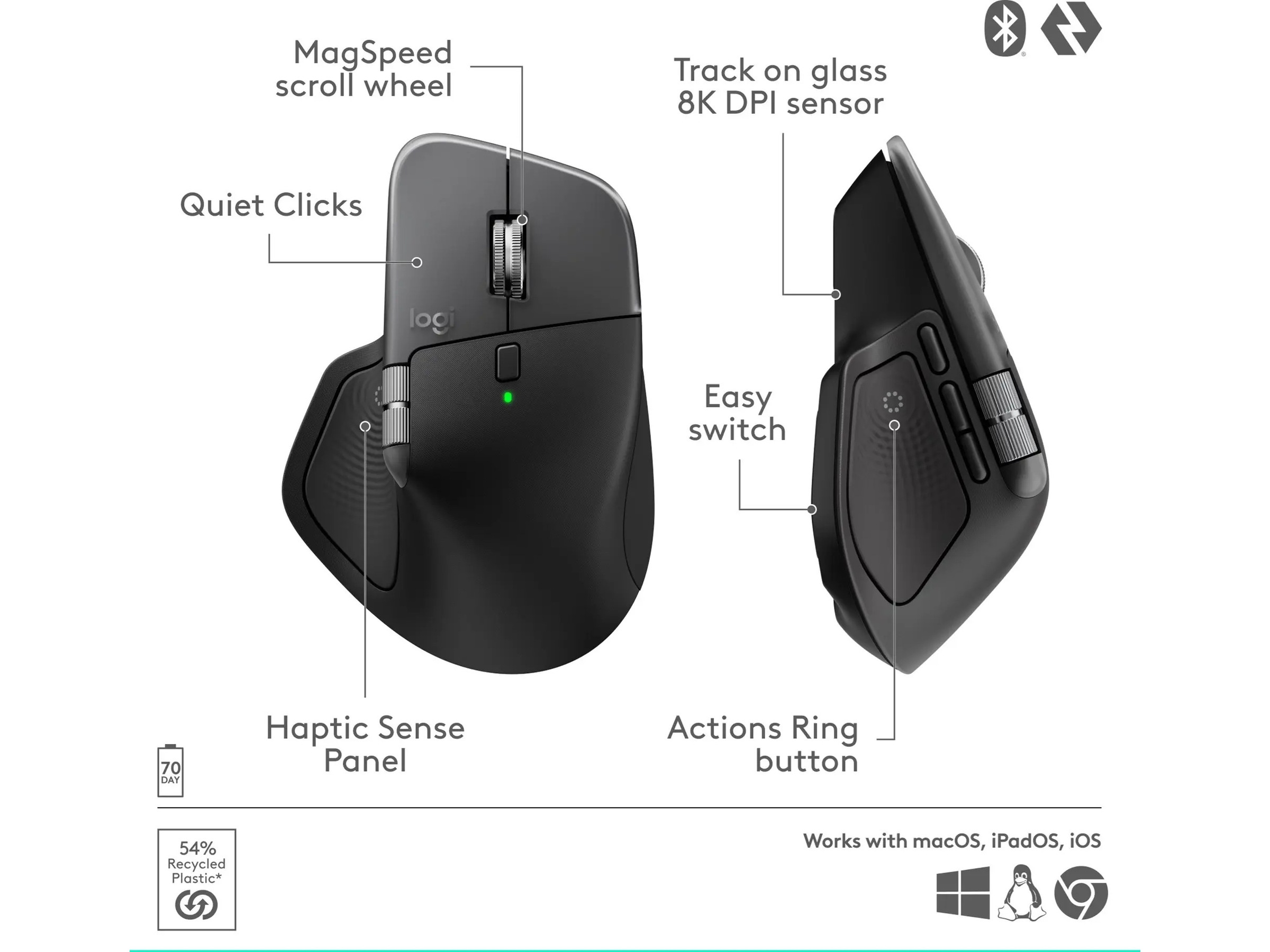
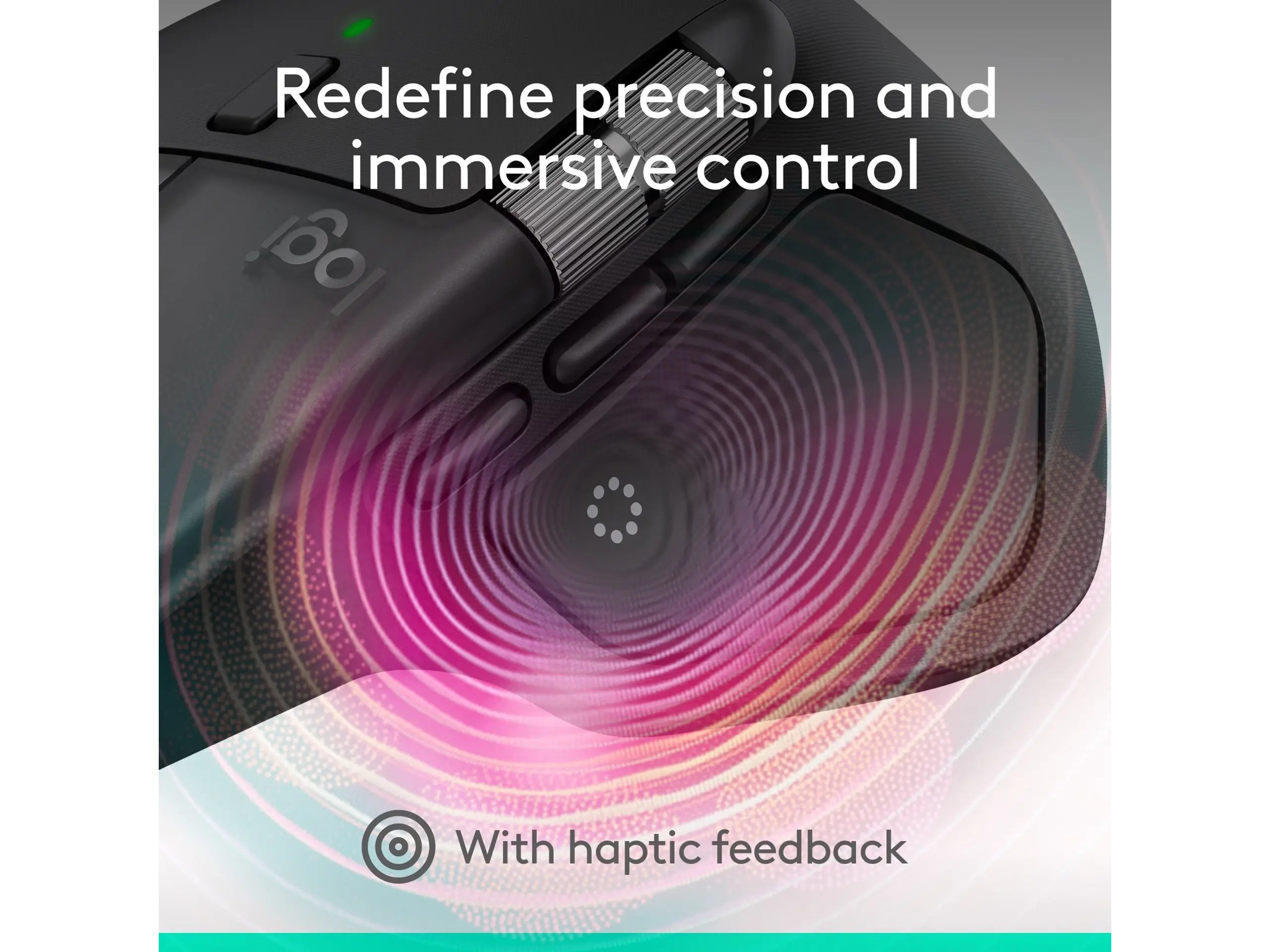
| Egenskaper | Quiet Clicks-teknik, Haptisk feedback, Logitech Darkfield Laser Tracking, Horisontal rullning, Tumhjul, Actions Ring, 4 mm tjockt glas, MagSpeed-hjul |
| Gränssnitt | 1 x USB - 24 pin USB-C |
|---|
| Typ | Logi Options + |
|---|
| Driftstid (upp till) | 70 dagar |
|---|---|
| Teknik | Litiumpolymer |
| Kapacitet | 650 mAh |
| Operativsystem erfordras | Apple MacOS |
|---|
| Återvunnet produktinnehåll | 54 % |
|---|---|
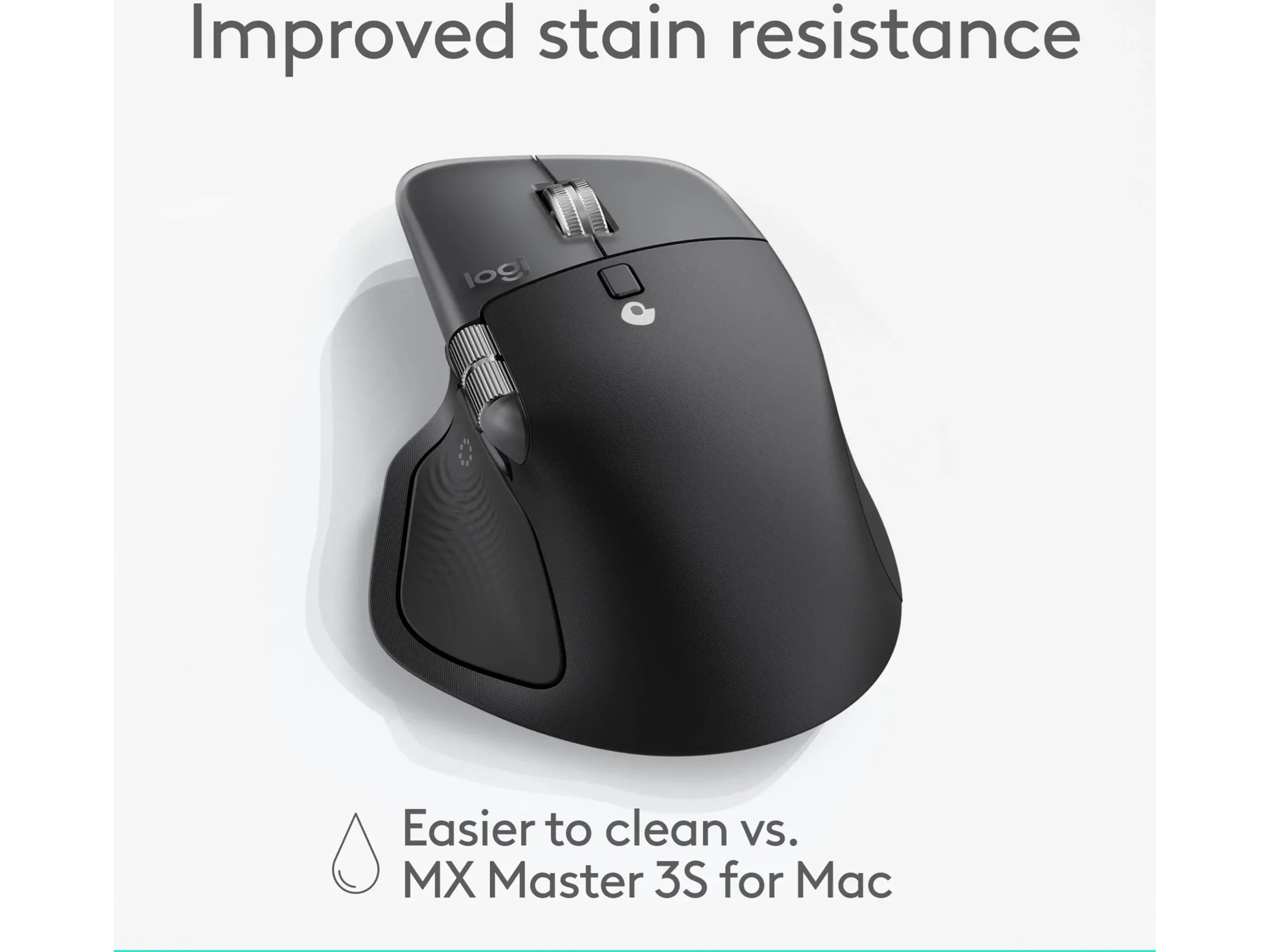
| Färgkategori | Svart |
| Färg | Space black |
| Bredd | 8.835 cm |
|---|---|
| Vikt | 150 g |
| Djup | 5.08 cm |
| Höjd | 12.815 cm |
Medlem i Komplett Club? Få 200 poäng för varje godkänd produktrecension. Läs mer
The Logitech MX Master 4 provides a surprisingly s
[This review was collected as part of a promotion.] As a dedicated Mac user, my peripheral experience has historically been limited to Apple's own ecosystem—specifically the Magic Mouse and Magic Trackpad. Moving to a third-party ergonomic mouse like the Logitech MX Master 4 was driven by curiosity about comfort and efficiency, and I was keen to see how it stacked up against the familiar gestures and feel of Apple's devices. Ergonomics and Comfort: Right out of the box, the MX Master 4 makes a strong impression on comfort. Its sculpted shape fits naturally, even in my relatively small hand, making long sessions significantly more pleasant than with the flatter Magic Mouse. I found all the primary buttons and dual scroll wheels easy to reach, though the sheer number of controls meant that getting familiar with the exact location and function of each one required a short adjustment period. Click Feel and Tactile Feedback: Logitech has done an excellent job of making the main left and right clicks nearly silent. This is a massive plus for working in quiet office environments or late at night. However, this quiet operation comes at the cost of tactile feedback. The click is soft, which, combined with the low volume, sometimes leaves me slightly uncertain that the click has actually registered. I believe that adding haptic support to these buttons would entirely resolve this issue, but I was unable to find any setting to enable such functionality. Software Integration and Customisation: To fully unlock the potential of the MX Master 4, you must install the Logi Options+ application. This was straightforward for me, but it is a vital consideration: if you use a work machine with strict policies preventing the installation of third-party software, you will be limited to basic functionality. Fortunately, my company laptop allows it, and the app is well worth the installation. The customisability is where the MX Master 4 truly starts to shine for a Mac user. I was able to replicate many of the multi-finger gestures I relied on using the dedicated "gesture button". Holding this button and moving the mouse in different directions allows for immediate access to functions like Desktops, Mission Control, and App Expose—an excellent workaround for Apple's native gestures. The horizontal scroll wheel is also a fantastic replacement for the gesture-based side-scrolling I was accustomed to. However, the one gesture I couldn't easily replicate was the intuitive pinch-to-zoom feature crucial for my design software workflow. This specific limitation requires some adaptation in how I interact with applications. Overall Verdict: The transition from a lifetime of Apple peripherals to the Logitech MX Master 4 has been surprisingly smooth. The initial setup was easy, and the comfort factor is unmatched by the Magic Mouse. While I am still navigating the differences, particularly the tactile feedback of the clicks and the absence of native pinch-to-zoom, I am thoroughly enjoying the enhanced ergonomics and deep customization this mouse offers. It's a clear winner for productivity users willing to embrace the switch. Läs mer
Ursprungligen publicerad på influenster.comExceptionally comfortable, smooth, and responsive
[This review was collected as part of a promotion.] The Logitech MX Master 4 is a brilliant all-round mouse. It’s very comfortable to use, even for long periods, with smooth and effortless motion. The Bluetooth connection is quick and responsive, and the overall build quality feels premium. The clicks are solid and precise, and every part of the design feels well thought out. If Ferrari made a computer mouse, this would probably be it — stylish, responsive, and built to perform. Läs mer
Ursprungligen publicerad på influenster.comThis Mouse Made My Daily Work So Much Better
[This review was collected as part of a promotion.] I’ve been using the Logitech MX Master 4 for a few weeks now, and honestly, it’s the best mouse I’ve ever had. It feels super comfortable to use, even for long hours, and everything just works smoothly. The scroll wheel is amazing. It moves so effortlessly, and it makes scrolling through pages or editing stuff really easy. The extra buttons are handy too; I didn’t think I’d use them much, but now I can’t go without them. The battery lasts forever, and I love that I can switch between my laptop and desktop with just one button. Overall, it’s a great mouse that makes everyday work so much easier. Totally worth it if you spend a lot of time on your computer. Läs mer
Ursprungligen publicerad på influenster.com